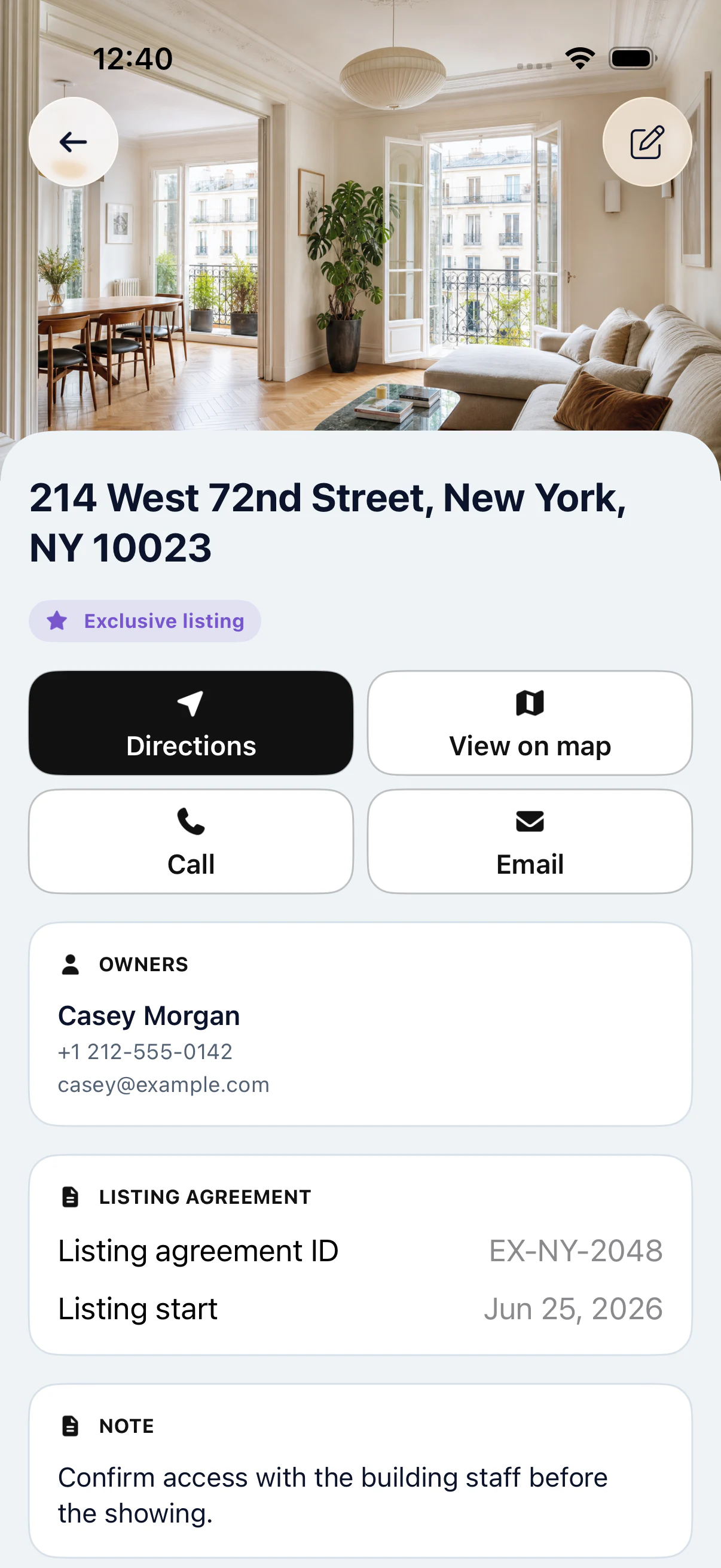
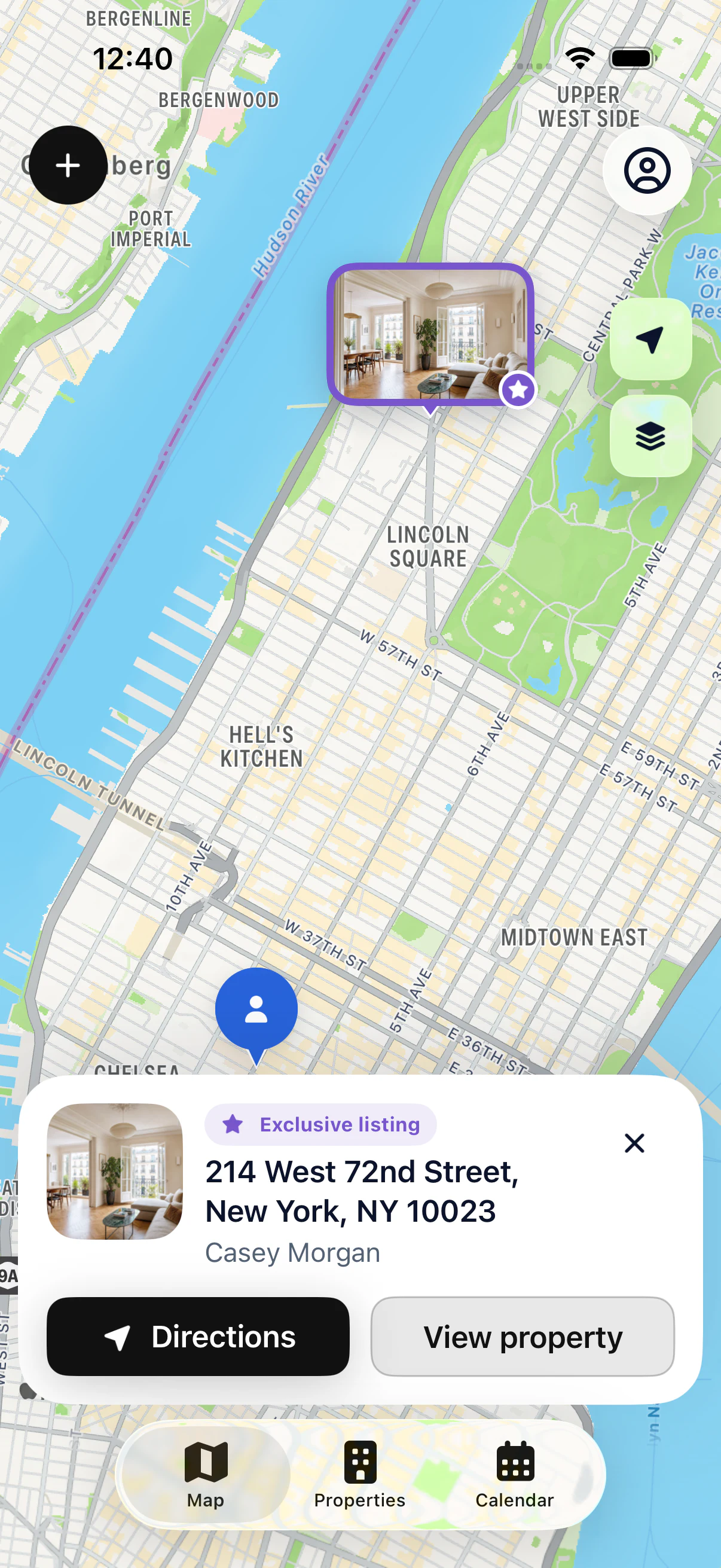
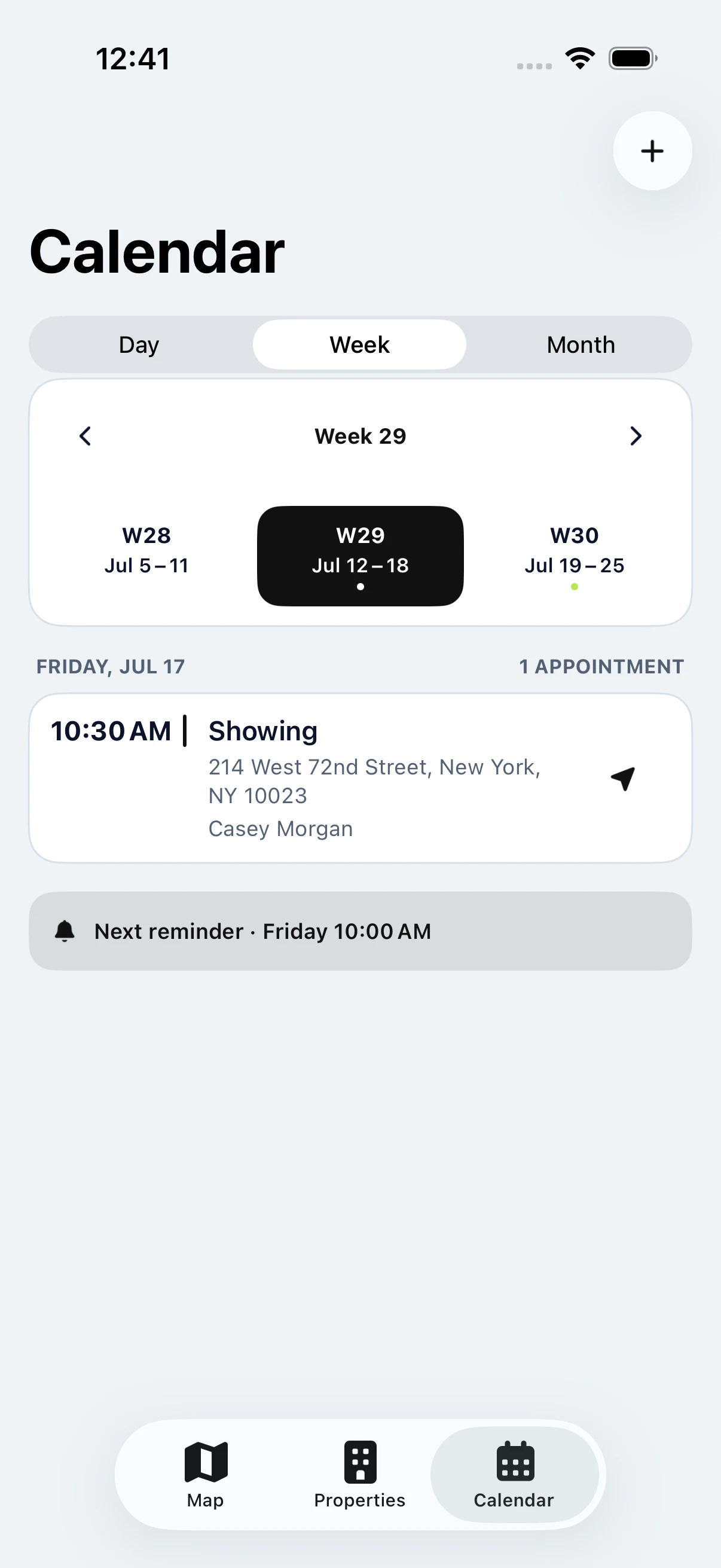
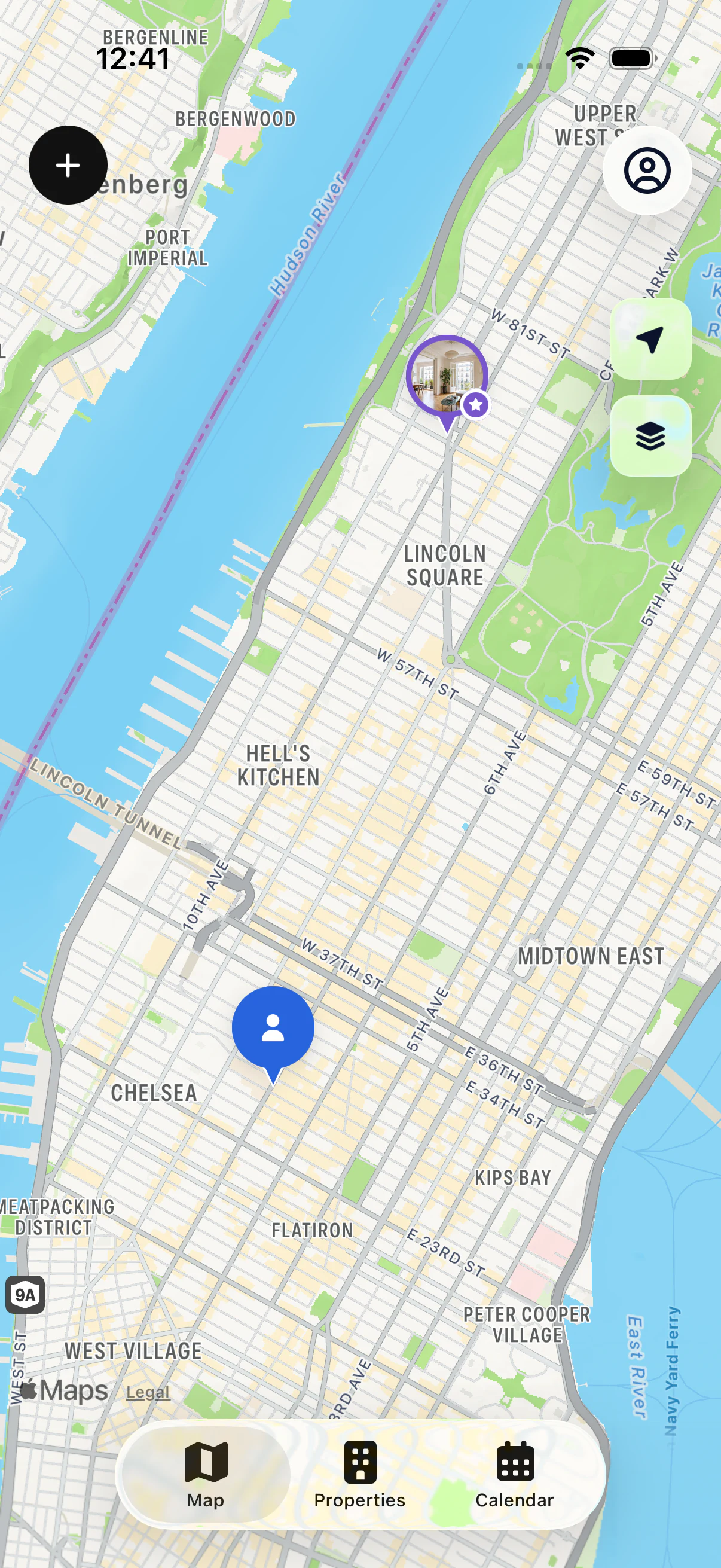
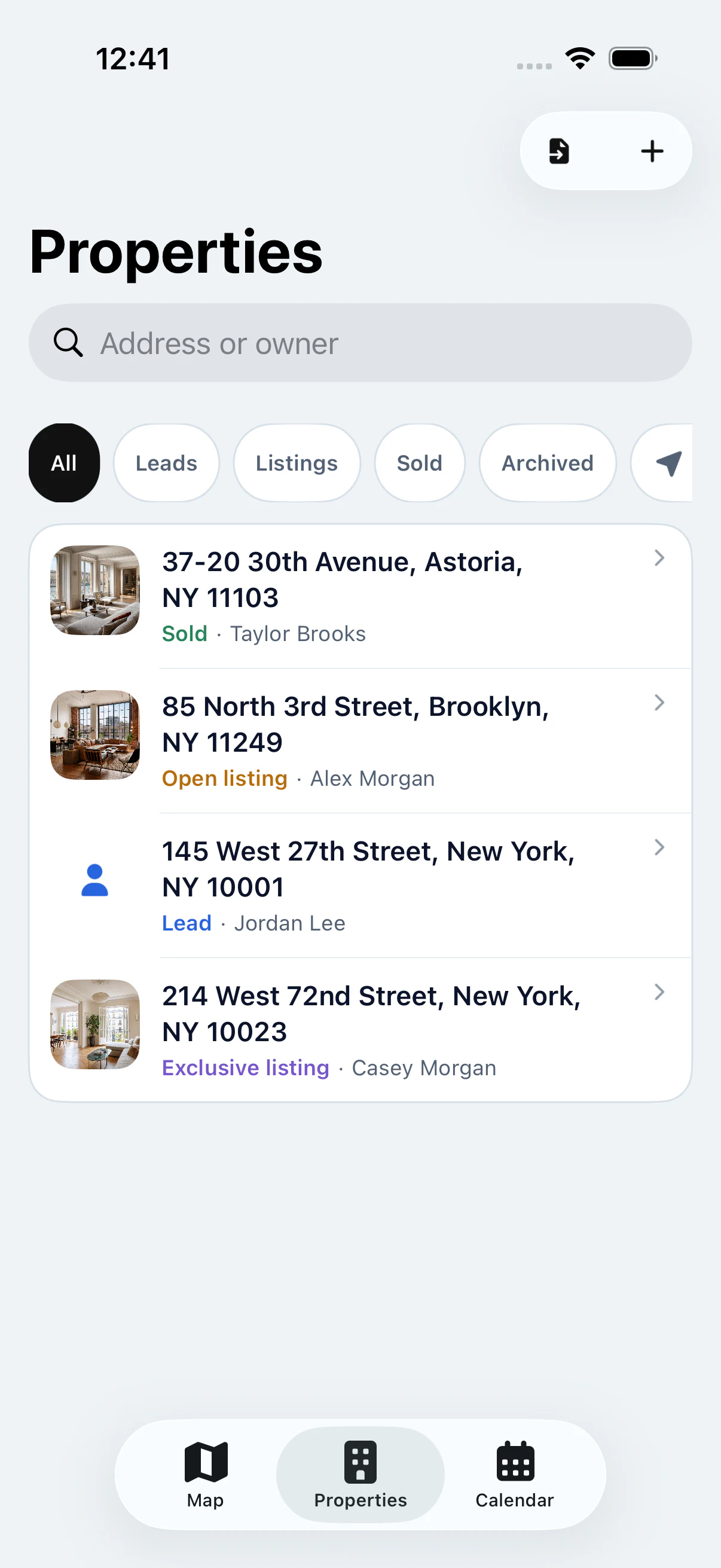
My Estate Map is an iPhone and iPad app for real estate agents. It shows the properties you work on a map and keeps the address, owner, notes and appointments together in one file per property. You can start free with your first property, with no sign-up required.
THE BENEFITS
What changes in your day.
Less time hunting for information, more time with your sellers and buyers.
01
Walk into every showing prepared
Before you ring the bell, check your notes and the owner’s contact details in one tap. You know exactly where things stand.
02
No more scattered notes
Spreadsheet, notebook, phone notes, calendar: everything about a property lives in its file, in one place.
03
Your farm area at a glance
See all your properties on the map, spot their status and find the ones close to your next appointment.
BEFORE / WITH MY ESTATE MAP
Your properties, contacts and appointments finally in one place.
Before
A property list in a spreadsheet
Notes in a notebook or your phone
Showings in a separate calendar
An address to retype into your GPS
With My Estate Map
All your properties on one map
One file per property with owner and notes
Every appointment linked to the right property
Directions opened from the file, no retyping
KEY FEATURES
Four simple tools for the field.
See my properties1 / 4
PRICING
Free to start. Pro when your portfolio grows.
Free
$0
One complete property on the map, with its file, owner details and notes.
Pro
$4.90 / week or $99.90 / year
Unlimited properties and appointments, CSV import. 14-day free trial on the annual plan for eligible Apple accounts.
Real estate agents, independent agents and agents at a brokerage who want their properties and the right details at hand while they’re out in the field. Each user manages their own properties in a private space.
Yes. You can add and use one complete property for free, with no sign-up required. Pro lets you add as many properties and appointments as you need. A 14-day free trial is available on the annual plan for eligible Apple accounts.
No. My Estate Map isn’t brokerage software: it doesn’t manage teams, transactions or listing syndication. It’s a field app to find your properties, owners and appointments fast. You can use it alongside your usual CRM.
Yes, with Pro. Export your list as a CSV file from your spreadsheet or software, then import it into the app. Columns are matched automatically; you then fix any flagged errors and possible duplicates.
Only you. Your portfolio is private and isn’t shared with any other user. Your data is never sold: your portfolio content is used to run the app, with the service providers listed in our privacy notice.
Mostly, yes. Properties already on your device stay available without a connection, and your changes are saved and synced as soon as you’re back online. The base map and GPS directions may need a connection.
Yes. Apple manages the subscription: open iPhone Settings, tap your Apple Account, then Subscriptions. After your subscription ends, your properties stay available to view, edit and export.
Yes. From any property file, open the address in Apple Maps, Google Maps or Waze.
Yes. My Estate Map is available on the App Store for iPhone and iPad. Optionally link Apple to find the same portfolio on all your devices.
START WITH YOUR FIRST PROPERTY
Your portfolio, with you in the field.
Add your first property for free, then see it on the map.