The times
Check your appointments and the properties they’re linked to.


A DAY IN THE LIFE OF AN AGENT
A day of showings comes down to three things: the times, the addresses and what you need to know about each property. Here’s how to pull them together in My Estate Map before you hit the road.
Your first 3 properties are free, on iPhone and iPad.
IN PRACTICE
Check your appointments and the properties they’re linked to.
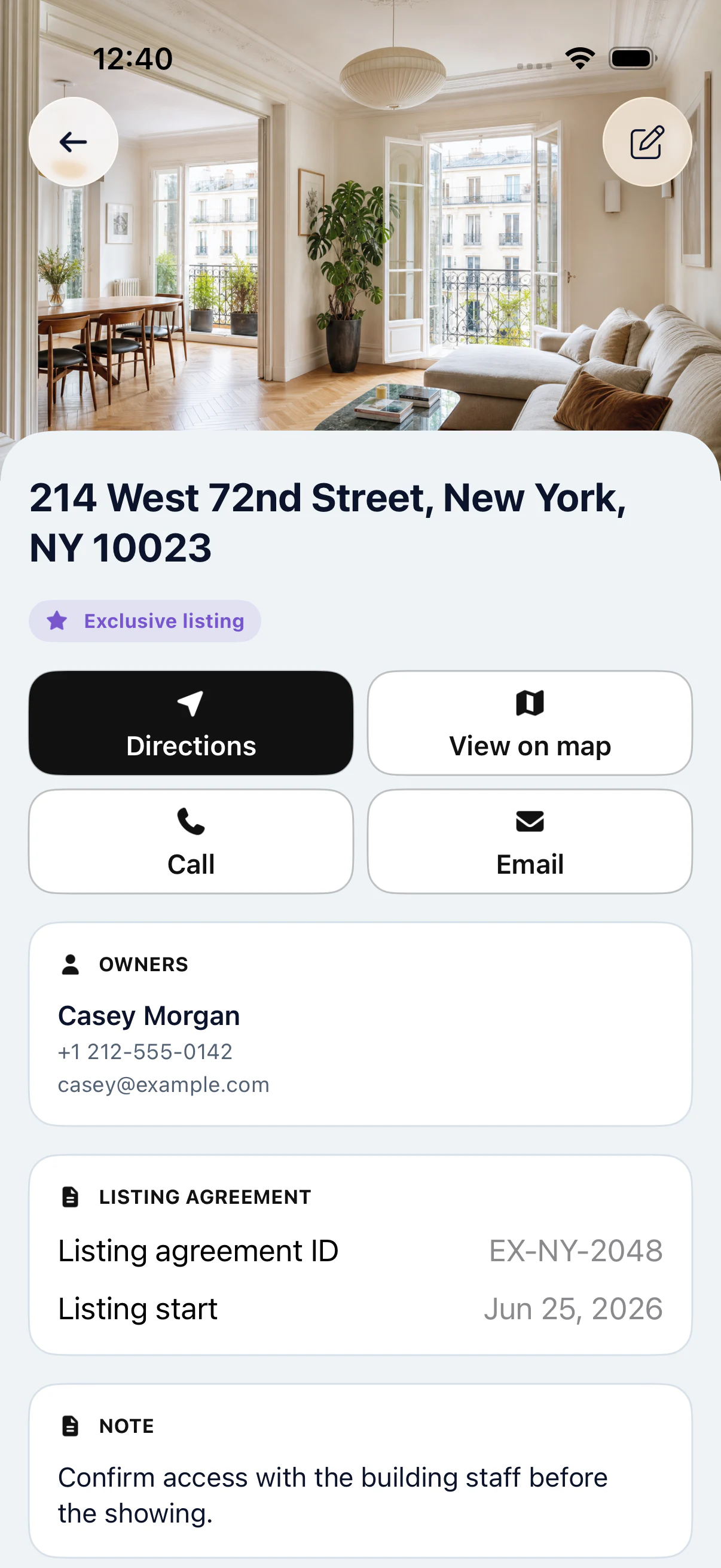
Review contact details and notes in each file.
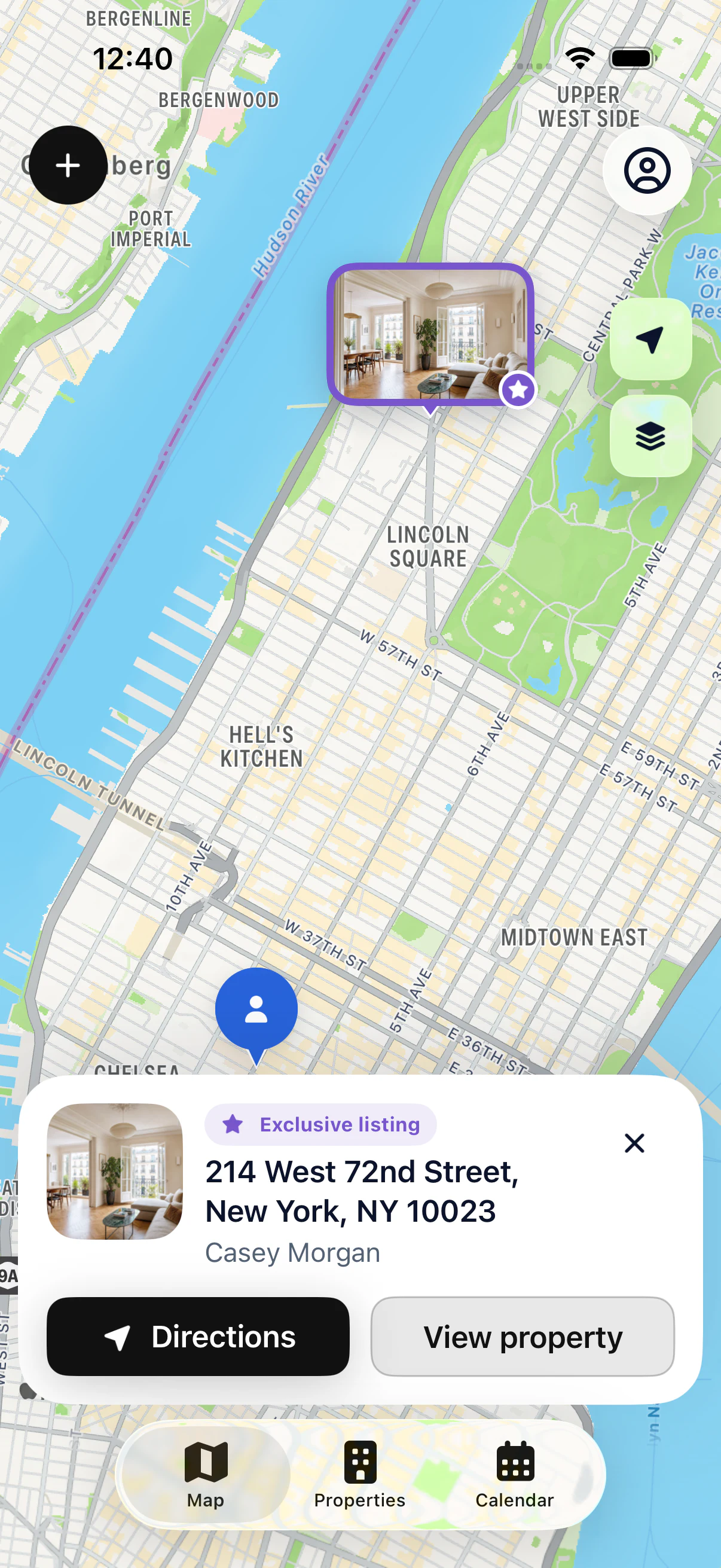
Locate properties on the map and get ready to go.
A SIMPLE METHOD
Check the day’s appointments and open the linked properties. Confirm times and addresses. Leave yourself enough time between showings for travel; the app doesn’t plan a route for you.
Review each property file: owner contact details, latest notes and practical information you already recorded. If something is missing, you know which owner to call before you leave.
Locate the addresses on the map, then start directions to your first appointment. After each showing, add your notes while the conversation is still fresh. They’ll be there next time.
This preparation gets fast when your files are up to date. The more you add notes after each showing, the less you have to rebuild a property’s history from your messages or your memory.
KEY POINTS
GOOD TO KNOW
Go through tomorrow’s calendar. For each appointment, check that the property is linked and that its address is complete.
Review the files in the order of your day: owner contact details, latest notes, points to cover. Call if something is missing.
Jot down the essentials in the file right away: buyer feedback, owner requests, next step. Then start directions to the next address.
STEP BY STEP
Look at your calendar.
Prepare the property files.
Start directions to the next address.
Update the file after the meeting.
YOUR QUESTIONS
Your first 3 properties are free, on iPhone and iPad.
Record contact details and notes in the property file, then link the appointment to that file. Before leaving, check your calendar and open the properties to review the details.

START WITH 3 FREE PROPERTIES
Add up to 3 properties for free, then see them on the map.