Your properties on a map
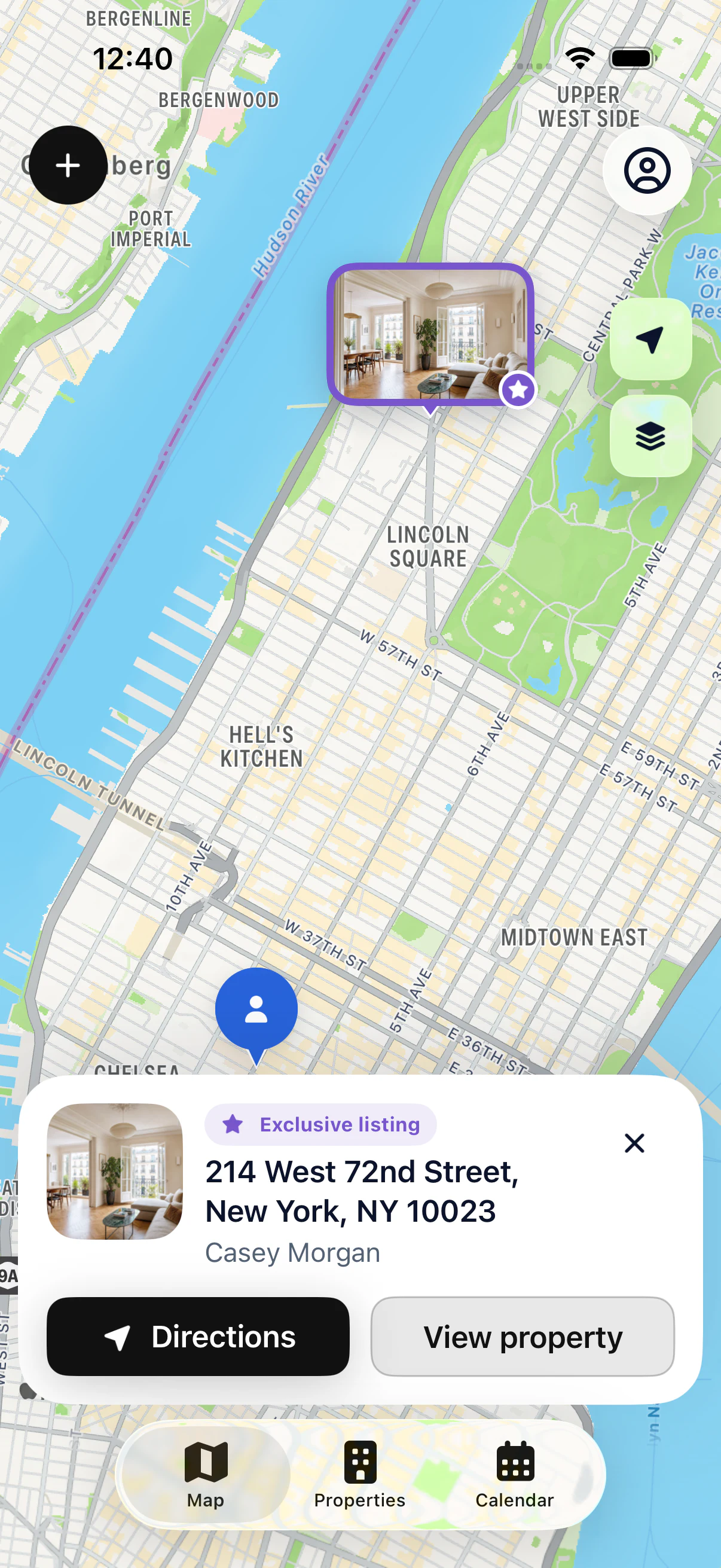
See your whole portfolio on one map, color-coded by status. Spot the properties near your next appointment at a glance.


FEATURES
A simple app that puts your properties on a map and gives you the right details before every showing. Independent agent or brokerage agent: it all fits on your iPhone or iPad.
YOUR PORTFOLIO, EVERY DAY
From the map, open the property file, check your notes and find the owner’s contact details. When it’s time to go, start directions to the right address.
WHAT YOU CAN DO
See your whole portfolio on one map, color-coded by status. Spot the properties near your next appointment at a glance.
Address, photos, listing agreement and status in one clear file you can check in the field.
The owner’s contact details and the history of your conversations live in the file. You walk in knowing where things stand.
Every showing or appointment is attached to the right property. Open the file from your calendar in one tap.
Start directions in Apple Maps, Google Maps or Waze from the file, without retyping the address.
Find a property by address or owner, archive the ones you no longer follow and import your existing list from CSV with Pro.
WHO IT’S FOR

START WITH YOUR FIRST PROPERTY
Add your first property for free, then see it on the map.