The spreadsheet: flexible
Create any columns you like and sort a long list easily from your computer.


COMPARISON
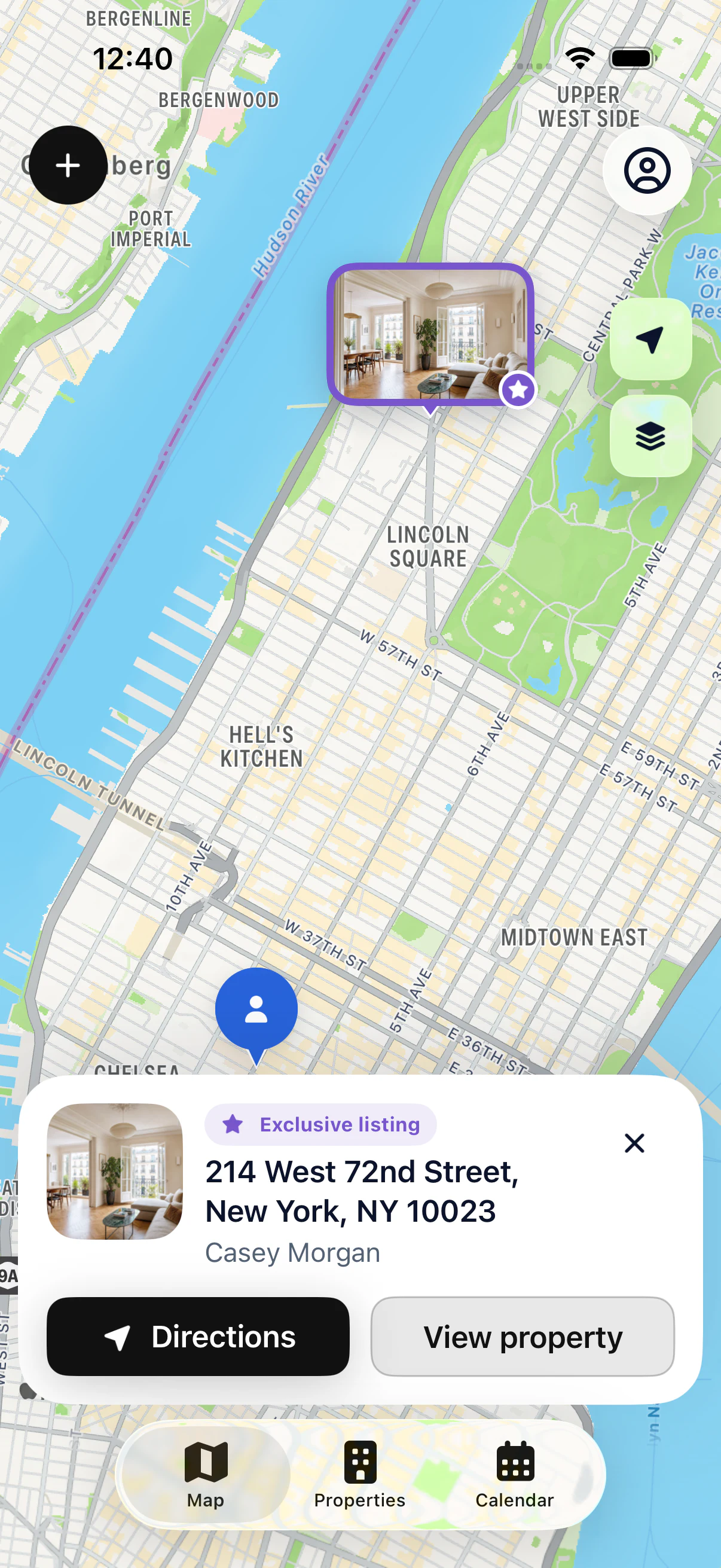
A spreadsheet is flexible and often already installed, but it’s awkward in the field. An app like My Estate Map puts your properties on a map and keeps the owner, notes and appointments in a file you can read on your iPhone. You can keep your spreadsheet and import your list into the app.
Your first property is free, on iPhone and iPad.
IN PRACTICE
Create any columns you like and sort a long list easily from your computer.
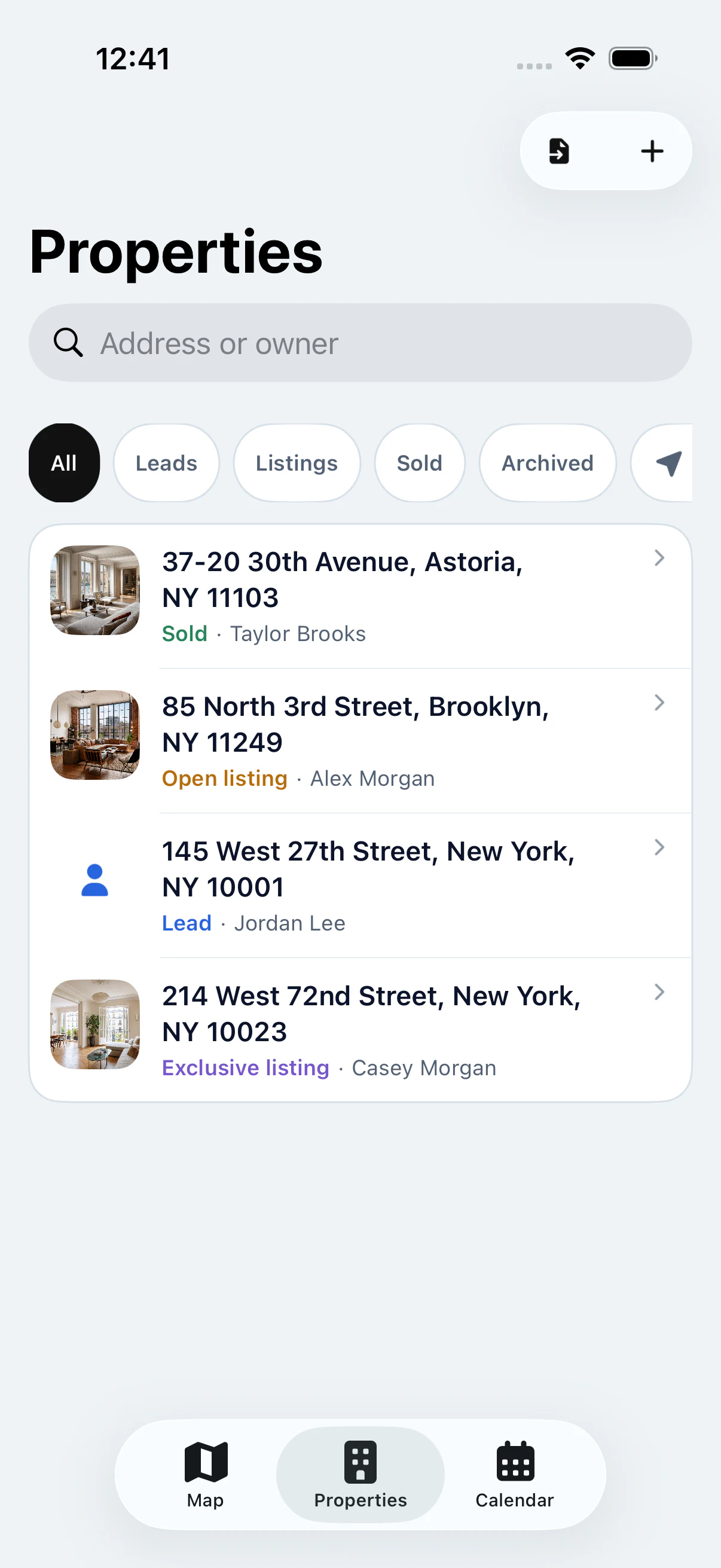
Your properties appear on a map and each row becomes a clear file on your phone.
Export your spreadsheet as CSV, then import it into My Estate Map with Pro.
FROM SPREADSHEET TO APP
Open your spreadsheet and check that it has one row per property, with a header row: address, owner, phone, status. Complete any partial addresses, since they’re what place properties on the map.
Save a copy as CSV. In My Estate Map, with Pro, open the import and choose that file. Columns are matched automatically, then the app flags errors per property and possible duplicates.
Your properties join your portfolio: you find them in the list and on the map, each with its own file. Your original spreadsheet doesn’t change; the import is a one-time action with no automatic sync.
KEY POINTS
THE COMPARISON
| Excel / Google Sheets | My Estate Map | |
|---|---|---|
| See your properties on a map | No | Yes, with a status per property |
| Check a property on your phone | Hard to read on a small screen | One clear file per property |
| Owner and notes | In columns | In the property file |
| Appointments linked to properties | No, separate calendar | Yes, with Pro |
| Get to the address | Retype it into your GPS | Directions from the file |
| Offline | Depends on the file and device | Properties already on device available |
| Price | Often included in your office suite | Free for one property, Pro from $4.90/week |
GOOD TO KNOW
A spreadsheet is still handy to calculate averages, track numbers or prepare a monthly report.
If your brokerage asks for a shared file, a spreadsheet remains an easy format to exchange.
Keeping your original file lets you go back to your initial list anytime.
STEP BY STEP
One row per property, complete addresses.
Save a copy as CSV.
Open the file in the app.
Your properties on the map, each with its file.
YOUR QUESTIONS
Your first property is free, on iPhone and iPad.
At the office, yes. In the field, a spreadsheet is less practical: it doesn’t show your properties on a map and it’s hard to read on a phone.

START WITH YOUR FIRST PROPERTY
Add your first property for free, then see it on the map.